It asks first when you choose Ask
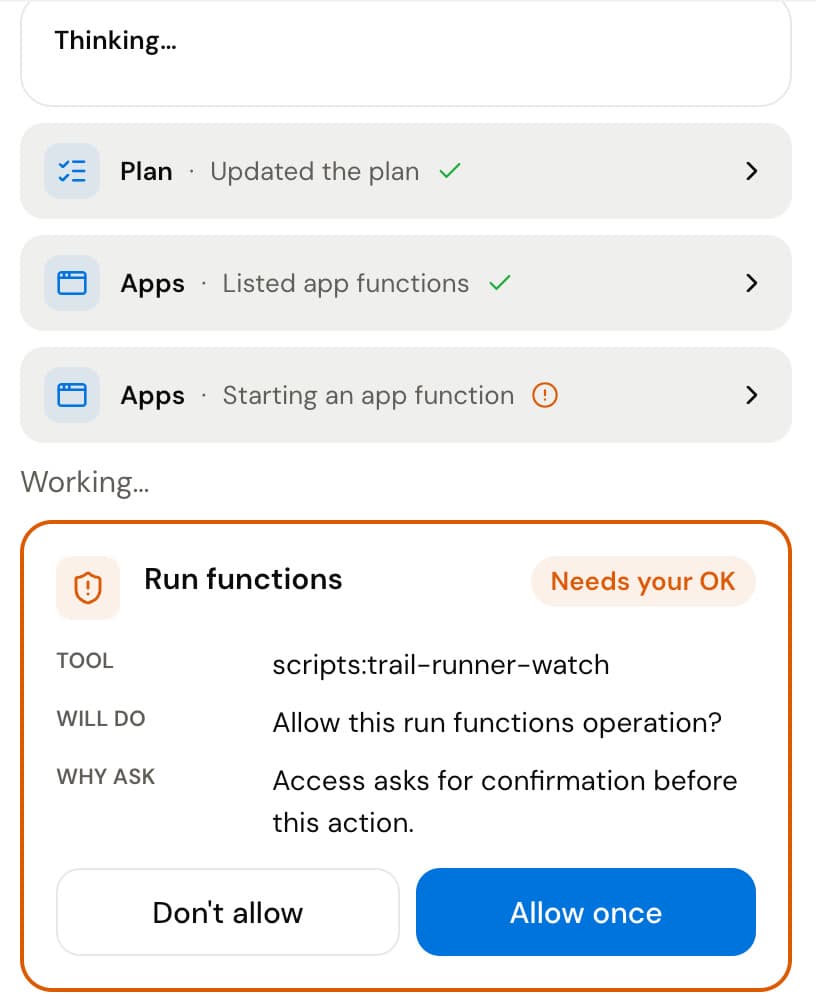
When an app wants to do something that you set to Ask, Redac stops and shows what it will do. You choose Allow once or Don’t allow.
REDAC 1.1 FOR MAC
Say what you need in plain words. Redac builds a small app, runs it on a schedule and tells you when something changes. Your personal details are stored on your computer.
Free download. Sign in with your Redac account, then connect your ChatGPT or Claude subscription.
Real screen recording of Redac on a Mac. Test store and test data. Waiting time is sped up.
GETTING STARTED
No setup skills needed. Four steps from download to your first app.
Install Redac like any other app.
Use your email. It takes a minute.
Use your ChatGPT or Claude subscription, or an API key.
Say what you need. Redac builds it, and it installs only when you say so.
WHY REDAC
Every picture below is a real Redac screen from the same session as the recording above.
When an app wants to do something that you set to Ask, Redac stops and shows what it will do. You choose Allow once or Don’t allow.
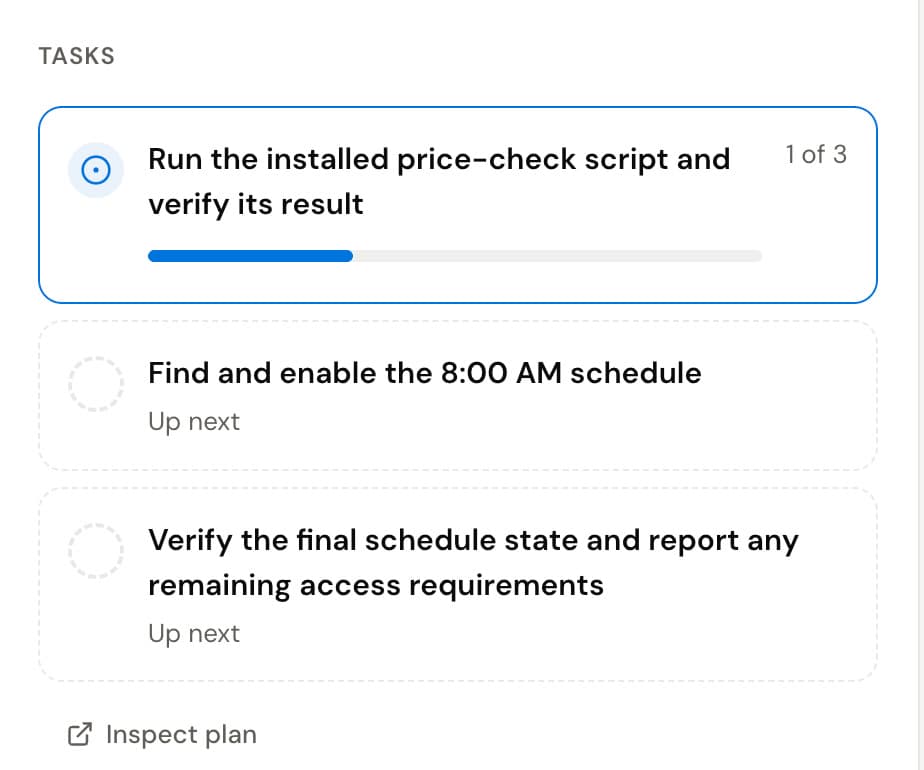
Redac shows each step of a task next to the chat, while it works.
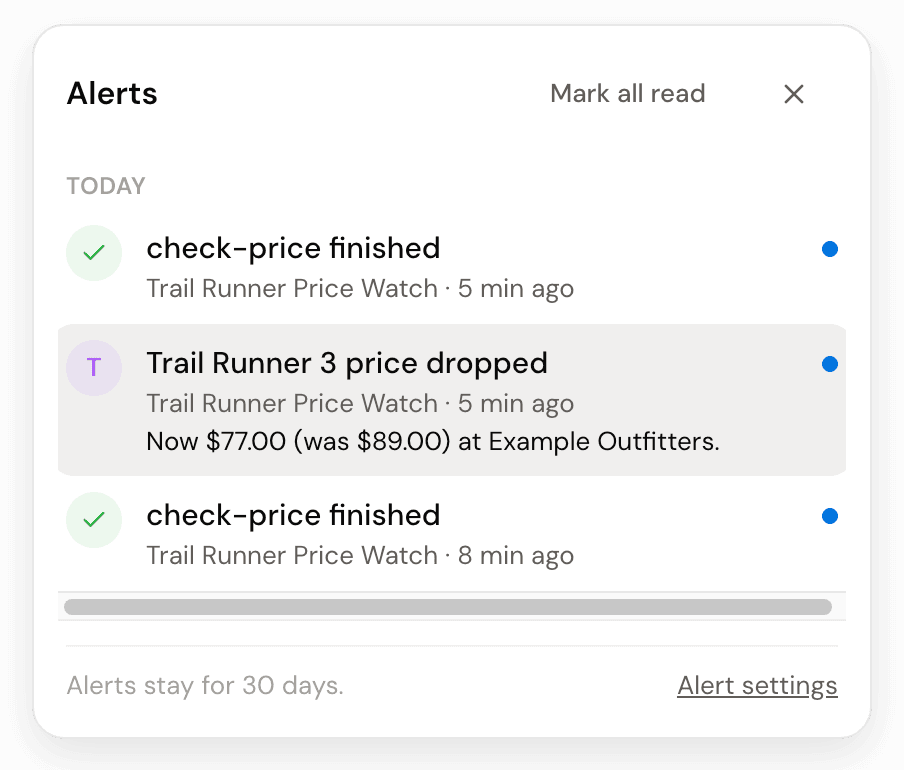
Alerts show on your computer. Approvals wait in the same place.
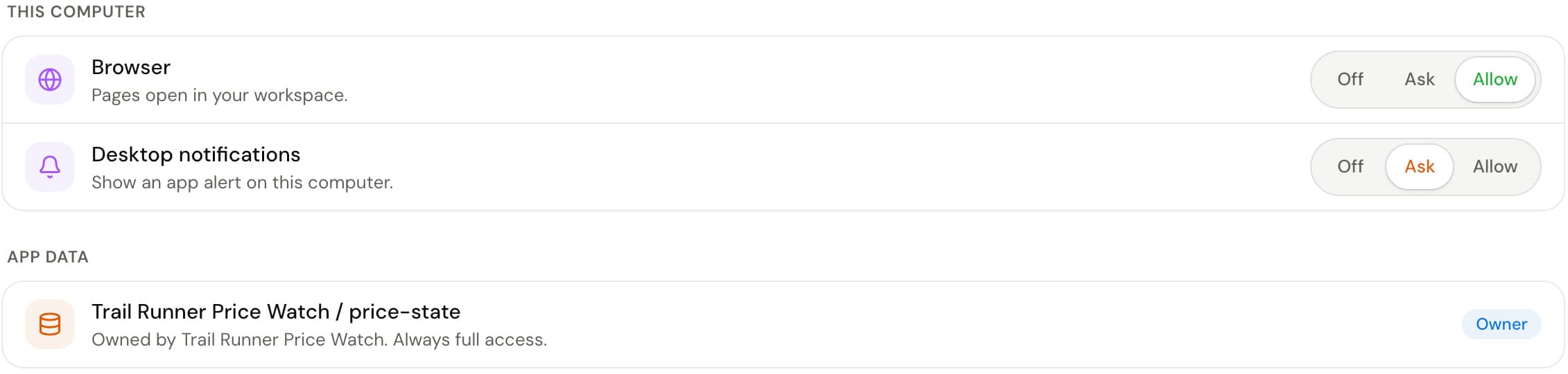
Each app gets Off, Ask or Allow for each thing it uses. Change it any time in the app’s Access tab.
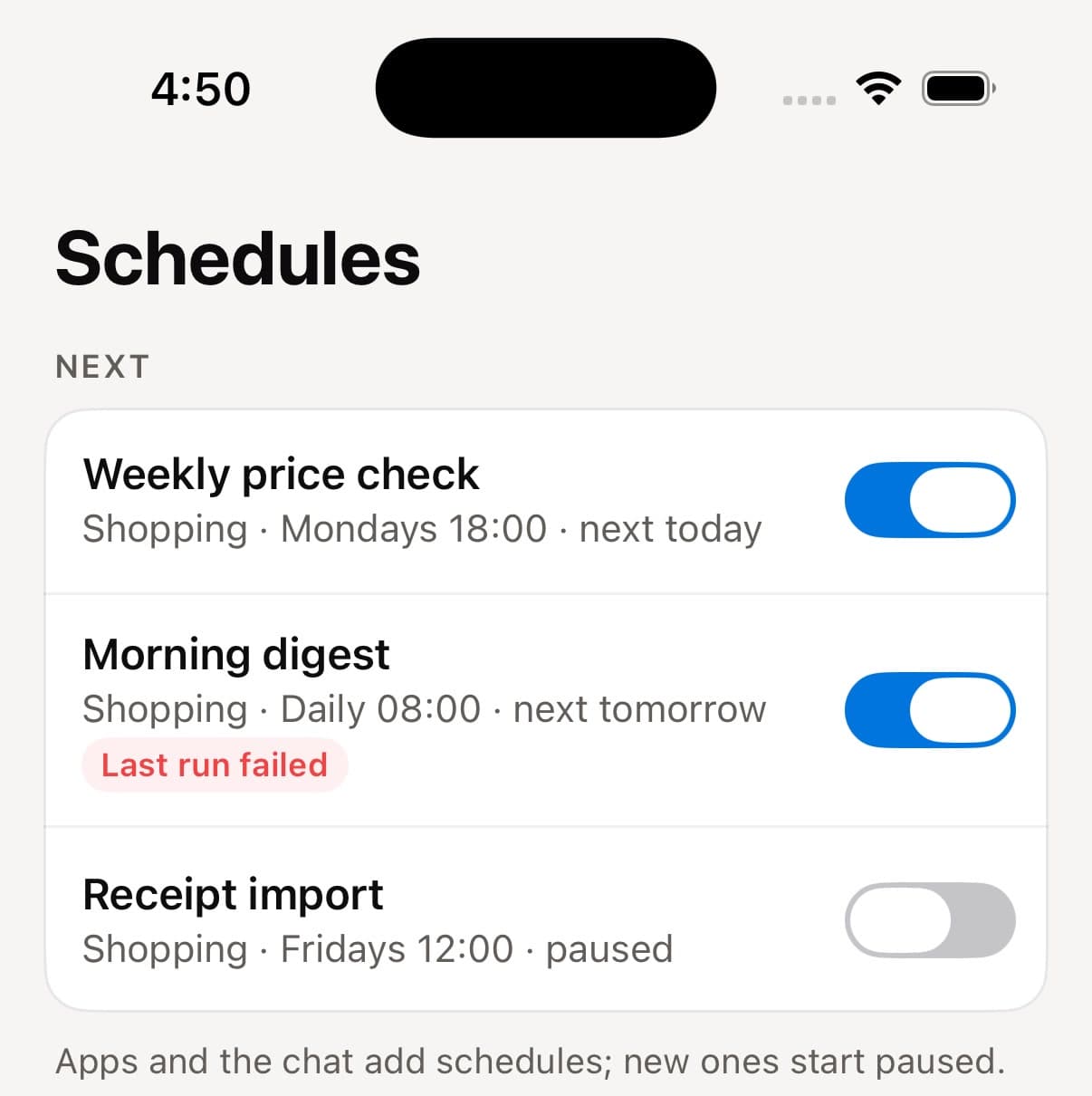
New schedules start paused. Turn one on, and it runs while Redac is open. Run it now from the same row.


PRIVACY
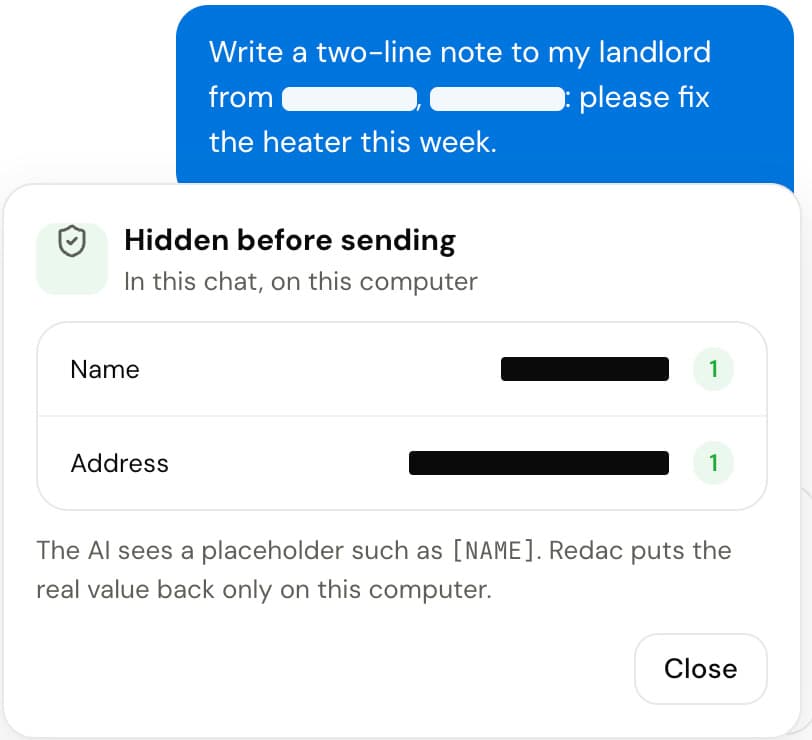
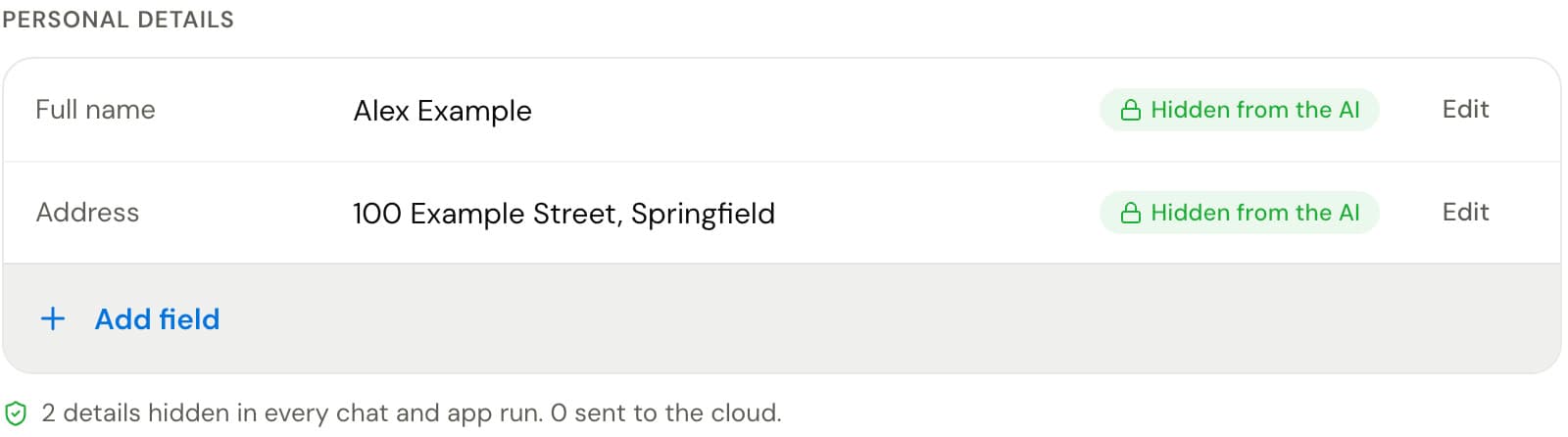
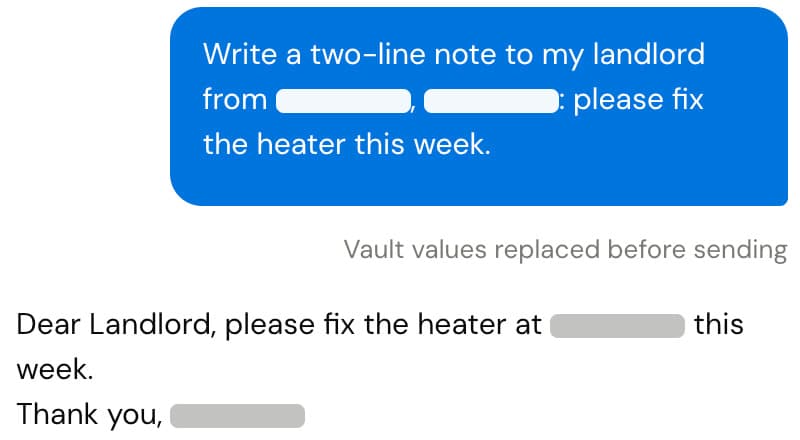
Redac sends your AI the task and what it reads for the task. Known personal details from your Vault, such as your name and address, are replaced first.
When an app that you allow fills a form or sends a message, the website or the receiver gets the real value.
IPHONE APP Coming soon
Pair your iPhone once with Redac on your computer. The phone talks to your computer; your data is stored there.
Read and reply. The iPhone keeps chats in memory only.
Allow or deny when an app asks.
Follow runs and turn schedules on or off.
End-to-end encrypted between your phone and your computer. Not available yet. Follow the blog for the launch.
No. You describe what you want in everyday words, and Redac builds it. You can ask for changes the same way.
Yes. When you first open Redac, you sign in to your Redac account with your email. Then connect your ChatGPT or Claude subscription, or an API key.
The task you give it, files you attach, and what Redac reads for the task, such as a web page or an email. Known Vault details, such as your name and address, are replaced by placeholders first. On a Mac, faces and private text in pictures are covered first. Your apps, chat history and Vault are stored on your computer.
A schedule runs while Redac is open on your computer. For a check with no one there, set the things it uses to Allow. With Ask, it does not run on its own.
Redac for iPhone is coming soon. It is not available yet.
REDAC 1.1
Free for Mac.